
Top Shopify App Store Optimization Tools in 2026
Compare seven ASO tools to boost Shopify App Store visibility — keyword tracking, review monitoring, listing changes, and competitor alerts.
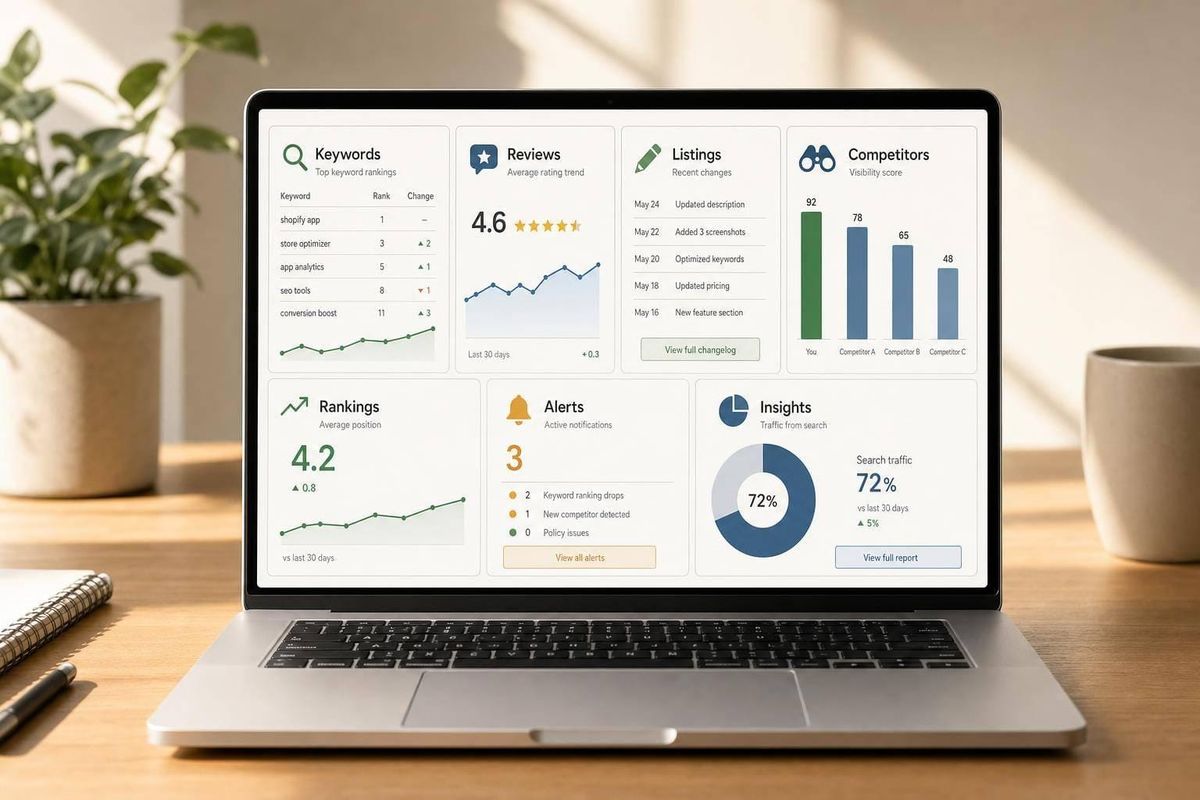
The short answer: if I want to grow a Shopify app in 2026, I need a tool that tracks keywords, reviews, listing changes, and competitor moves inside the Shopify App Store itself.
The article compares 7 tools for that job:
Here’s the main takeaway in plain English:
- If I want a Shopify-only ASO tool, AppJubilee is the most direct fit compared to general market alternatives.
- If I care most about review handling across many app stores, AppFollow stands out.
- If I need keyword research first, AppTweak is a strong pick.
- If I want to tie ASO work to downloads and revenue, Appfigures is worth a look.
- If I want a simple workflow for keyword work and listing edits, App Radar fits that use case.
- If I need market-level data and paid search signals, Sensor Tower and Mobile Action are better for that.
That matters because the Shopify App Store now has 13,000+ apps, with about 450 new apps added each month. So getting found is no longer just about building a good app. It’s also about how well I track ranking changes, spot review patterns, such as those for product review apps, and react when competitors edit their listings.
Quick comparison
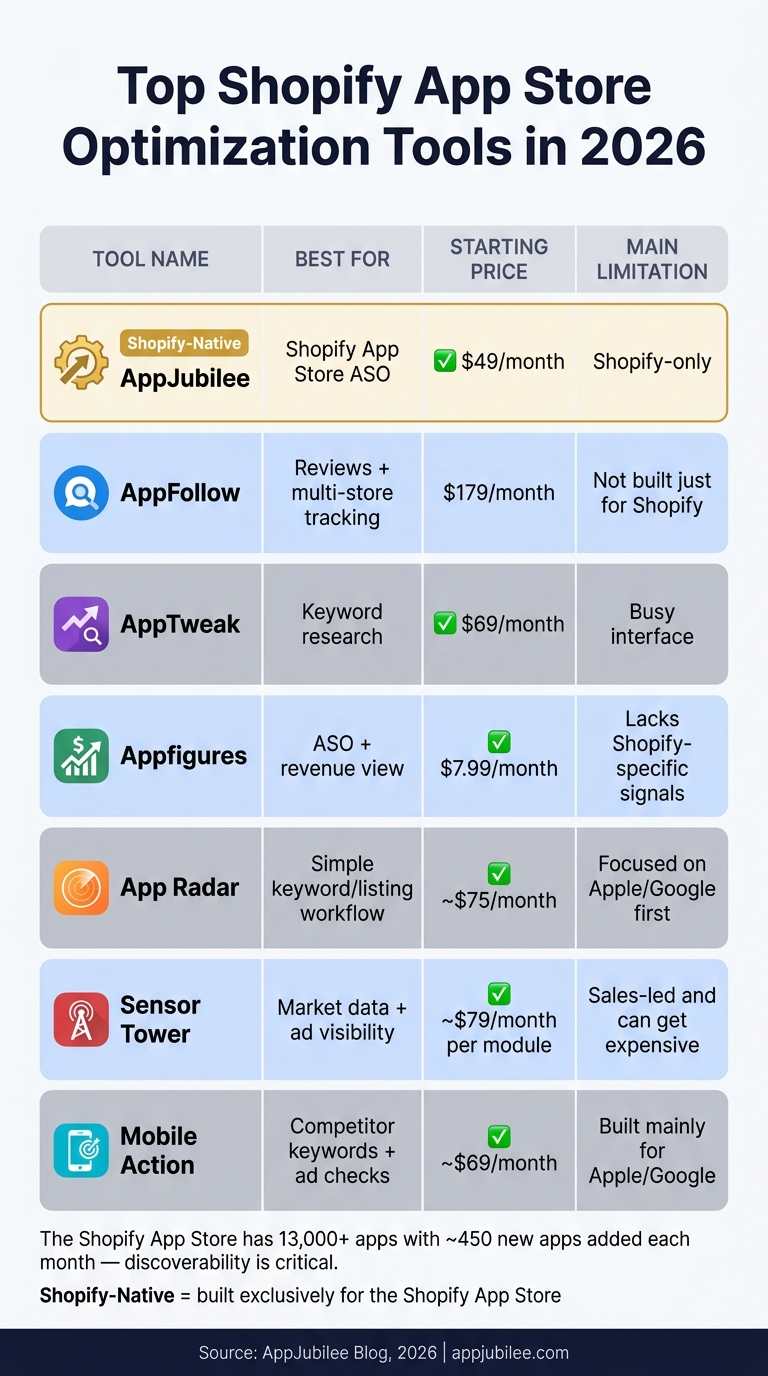
Top Shopify ASO Tools Compared: Features, Pricing & Best Use Cases (2026)
| Tool | Best for | Starting price | Main limitation |
|---|---|---|---|
| AppJubilee | Shopify App Store ASO | $49/month | Shopify-only |
| AppFollow | Reviews + multi-store tracking | $179/month paid plan | Not built just for Shopify |
| AppTweak | keyword research | $69/month | Busy interface |
| Appfigures | ASO + revenue view | $7.99/month | Lacks Shopify-specific signals |
| App Radar | Simple keyword/listing workflow | ~$75/month | Focused on Apple/Google first |
| Sensor Tower | Market data + ad visibility | ~$79/month per module | Sales-led and can get expensive |
| Mobile Action | Competitor keywords + ad checks | ~$69/month | Built mainly for Apple/Google |
My read: if the goal is Shopify search visibility, Shopify-native data matters more than broad mobile app data. If the goal is cross-store research, the other tools can still help.
That’s what the rest of the article breaks down: which tool fits which ASO job, what each one does well, and where each one falls short.
sbb-itb-ce93587
1. AppJubilee
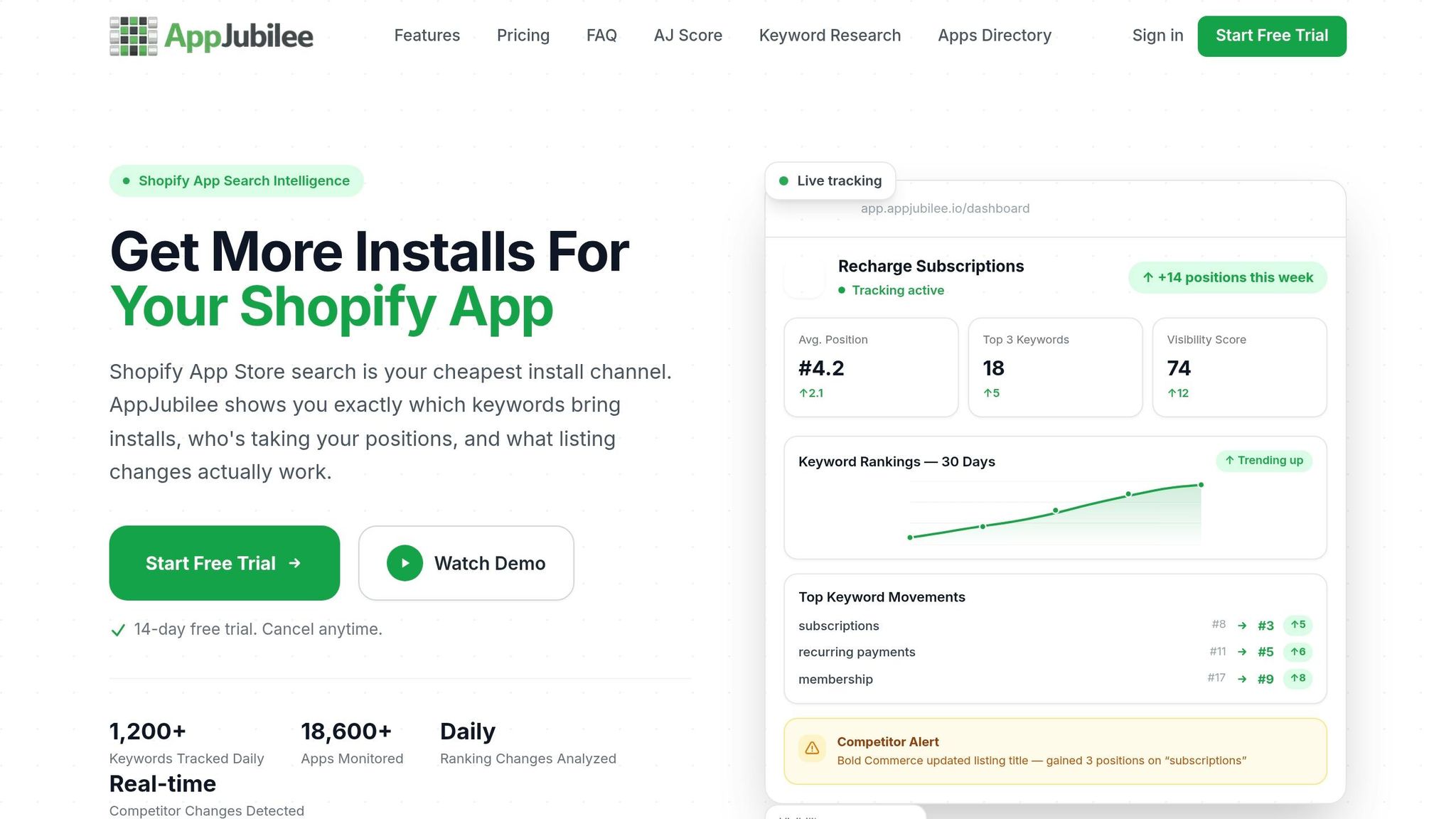
AppJubilee is built for Shopify App Store ASO. So if your team cares about keyword rankings, listing edits, review signals, and keeping tabs on competitors, this tool is aimed right at that job.
AppJubilee tracks 1,200+ Shopify App Store keywords every day and monitors 18,600+ apps to show where your app ranks. That data feeds three main workflows. Keyword Universe shows terms you already rank for but haven't worked into your title or description yet. Competitor Universe finds related apps based on keyword overlap and sends alerts within 24 hours when a competitor changes its title, description, pricing, or screenshots.
It also helps answer a common ASO question: what changed, and did it help? Listing Change Impact Analysis shows which metadata or creative updates moved rankings. That gives teams a clearer read on which edits are worth repeating and which ones fell flat. Review Impact Analysis looks at rank movement in the 7-day window after new reviews come in.
The plan split is pretty simple. It mostly comes down to app limits, ad tracking, and team access. Ads Intelligence, which starts on Growth, flags a keyword as paid once it appears in a sponsored spot for more than 3 consecutive days. You can also use the GA4 and Shopify Partners integrations to connect ranking shifts with installs and subscriber growth. Every plan includes 90+ days of historical ranking data and a 14-day free trial.
| Feature | Starter ($49/mo) | Growth ($99/mo) | Pro ($199/mo) | Agency ($499/mo) |
|---|---|---|---|---|
| Apps Tracked | 1 | 3 | 8 | 30 |
| Keyword & Competitor Universe | ✓ | ✓ | ✓ | ✓ |
| Listing & Review Impact Analysis | ✓ | ✓ | ✓ | ✓ |
| Actionable Insights | ✓ | ✓ | ✓ | ✓ |
| Ads Intelligence | - | ✓ | ✓ | ✓ |
| GA4 & Shopify Partner Sync | - | ✓ | ✓ | ✓ |
| Competitor App Watches | 1 | 3 | 8 | Unlimited |
| Team Members | 1 | 2 | 5 | 10 |
| Support & Access | Priority | Priority + API |
Pricing and limits are current as listed.
Starter works well for solo developers with one app. Growth adds Ads Intelligence, plus GA4 and Shopify Partners sync. Pro and Agency make more sense for larger app portfolios or client work, and Agency adds API access for custom workflows.
2. AppFollow
For teams that need more than Shopify-only reporting, AppFollow gives you broader marketplace coverage and stronger review workflows. It's a good fit for Shopify app teams that also manage apps on other marketplaces, with keyword tracking and review handling in one place. AppFollow covers the App Store, Google Play, Amazon, and Microsoft Store, so it isn't built just for Shopify. Still, it can be useful if your team publishes across several stores.
On the keyword side, AppFollow's Keyword Explorer shows KEI, difficulty, and estimated download impact for each keyword. The App Ranking Tool tracks positions by keyword and category, while the Search Visibility Score shows how easy your app is to find. It also includes competitor research tools like keyword gap analysis and metadata tracking, plus a Featured App Timeline that shows when your app, or a competitor's app, gets featured in the store.
Where AppFollow stands out most is review management. It spots repeat complaint themes in user feedback, then lets teams reply in bulk with templates. Slack alerts show rating drops or keyword changes in real time, and the Organic Traffic Dashboard helps connect keyword performance to analytics and download data.
The main draw here is speed. Teams can catch issues earlier and respond faster when ratings dip. If the same complaint keeps showing up, that's a clear signal to update your listing or tighten your response playbook.
Pricing starts at $0/month for a free plan that supports 2 apps. Paid plans start at $179/month for Essential and $599/month for Team, with custom Enterprise pricing. Lower paid tiers increase keyword limits, but only by a small amount. AppFollow also offers a 10-day free trial for premium features with no credit card required, and annual billing cuts the cost by 22%.
That makes it a solid bridge between basic tracking and more focused listing and keyword work. Next up is a tool that stays tighter on keyword tracking and listing optimization.
3. AppTweak
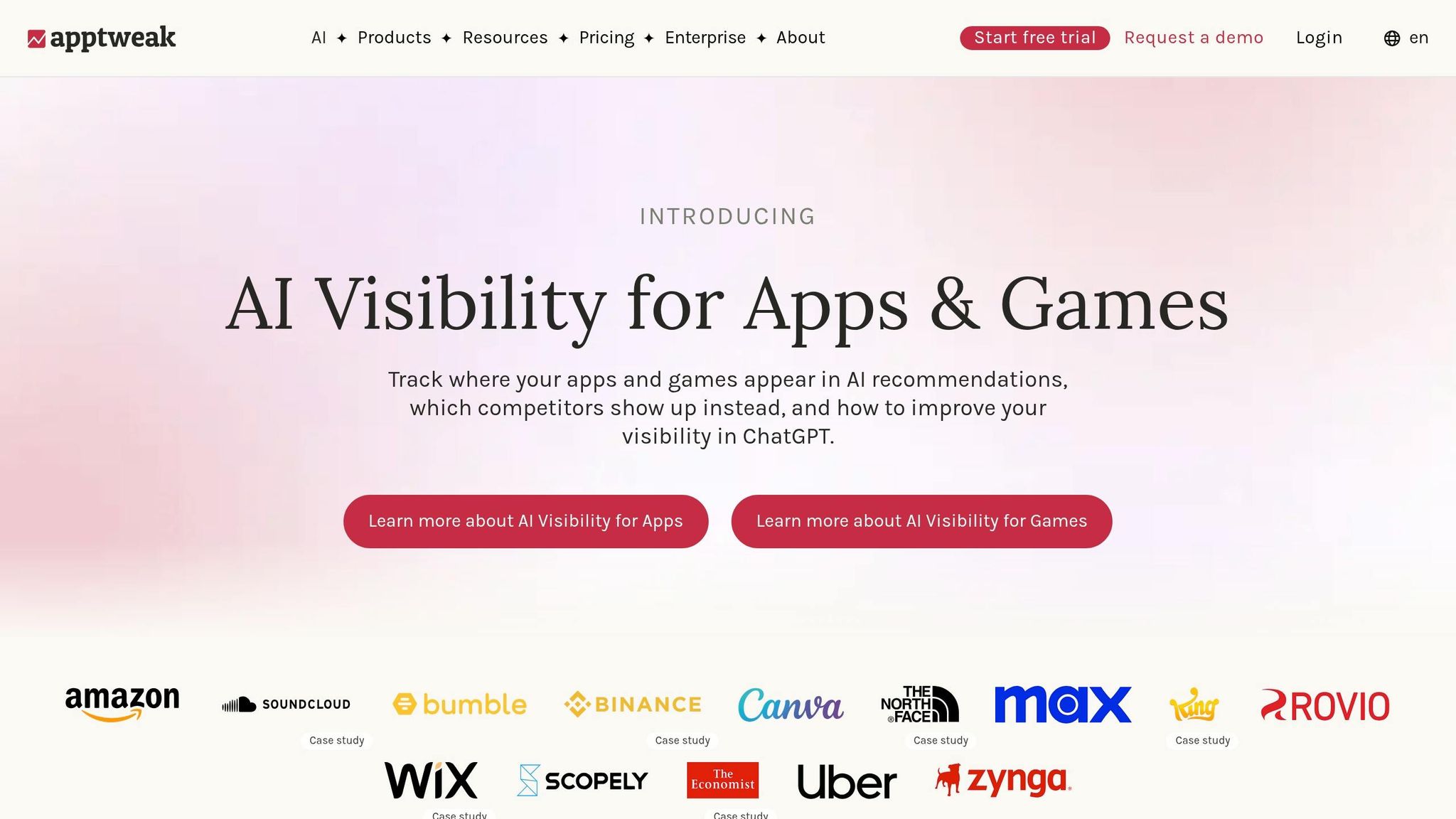
AppTweak is a solid pick for keyword research in 2026. At $69/month, it gives indie developers and small teams a good place to start. You get enough depth for serious keyword work without jumping into a much higher price tier.
That pricing matters because AppTweak connects keyword choices to actual listing data, not rough guesses. It benchmarks keyword difficulty against the metadata used by top-ranking apps, which helps you aim at terms with more confidence. The Semantic Gap tool shows keyword chances your app is missing compared with top-ranking apps. And the Timeline Tool lets you track competitor metadata changes and A/B tests over time.
A smart way to use it is during pre-launch and the first 30 days after launch. That gives you a starting keyword baseline you can build from. Before you update metadata, check your top terms directly in the Shopify App Store, especially long-tail keywords like json ld for seo.
The main downside is the interface. It feels crowded, so new users may need some time to find the right views. It also doesn’t write metadata or handle translation, which means you’ll need separate tools for copy and localization.
AppTweak makes the most sense when your main focus is keyword research and competitor tracking. If you care more about broad app-performance reporting, the next tool leans less on ASO depth and more on broader analytics.
4. Appfigures
Appfigures is a good fit for teams that want to connect ASO work to revenue. It pulls revenue, downloads, and keyword rankings into one dashboard, which makes life easier for lean teams trying to see whether ASO changes are paying off. There’s a free plan for up to 5 apps, and paid plans start at $7.99/month and go up to $599.99/month.
You also get hourly keyword rank updates, custom alerts, built-in review monitoring, and competitor tracking. It supports multi-country and multi-store tracking too.
That said, there’s a clear gap for Shopify app teams. Appfigures doesn’t include Shopify-native signals like Built for Shopify status, storefront speed, or API requirements. Its keyword database is also smaller than what you get with AppTweak or Sensor Tower.
If your team wants ASO and revenue data in the same place, Appfigures makes a lot of sense. If you need more depth on keywords, the next tool is more specialized.
5. App Radar
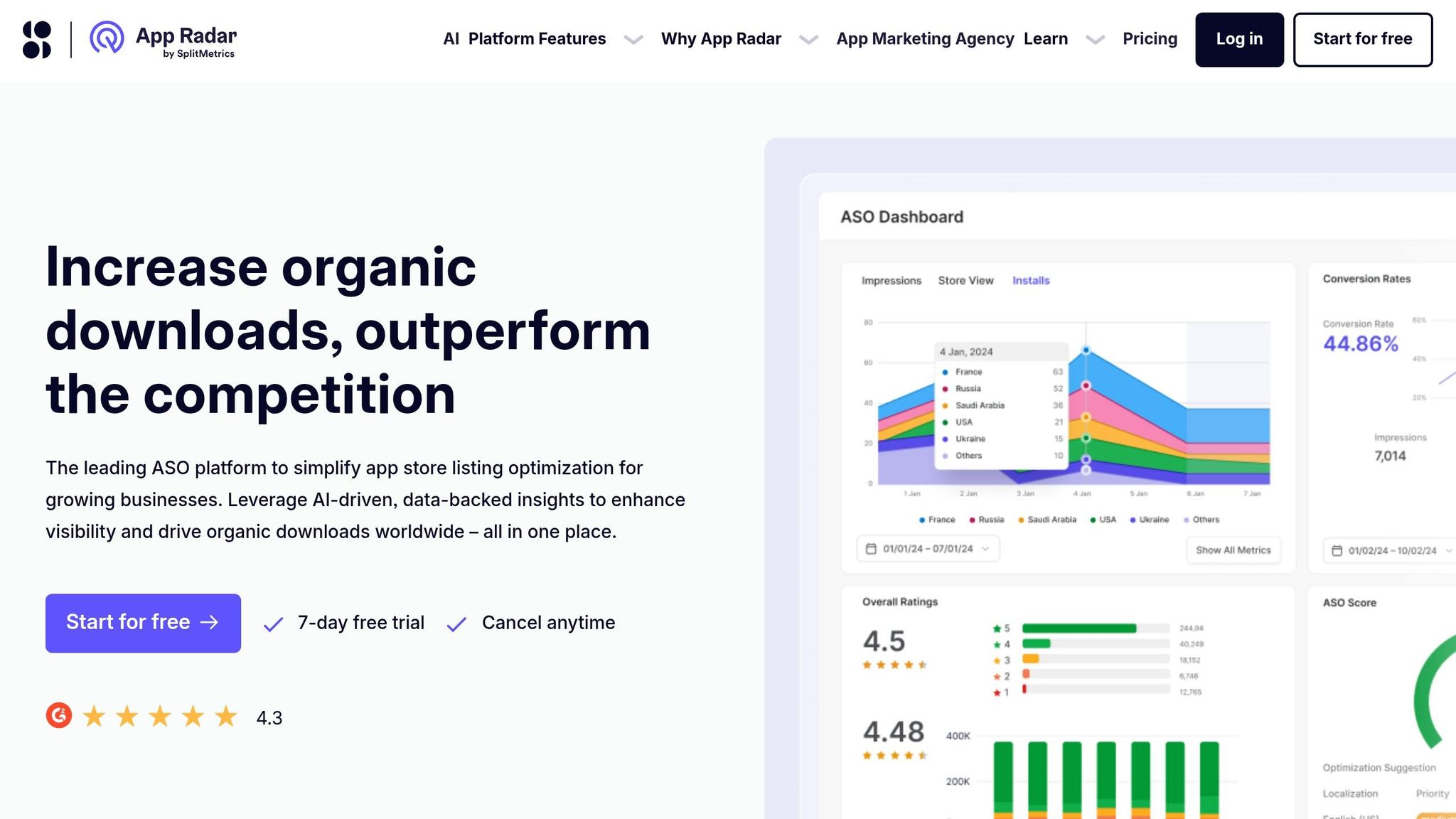
For teams that want a simpler workflow for keyword tracking and listing edits, App Radar puts those jobs in one place. It’s a good fit for lean teams that need keyword tracking, metadata updates, and Apple Search Ads in the same workflow. The main draw is its clean interface, which keeps listing copy, keyword work, and competitor monitoring together.
It also includes AI drafting and translation. That can save time when a team is localizing listings for new markets.
On the competitor research side, App Radar’s App Timeline and Shared Keywords features help teams watch metadata changes over time and see where their keyword set overlaps with competitors.
App Radar is still focused mostly on the Apple App Store and Google Play. For Shopify app developers, it can still help with broader e-commerce keyword trends like product add-ons, but it works best as a companion to Shopify App Store autocomplete. A simple way to use it: do broader keyword research in App Radar, then check those terms against actual Shopify App Store search behavior.
Pricing starts at about $75/month. There’s no permanent free plan, but there is a free trial.
For teams that need market data beyond listing work, the next tool goes a step further.
6. Sensor Tower
For teams that need a view of the market that goes beyond Shopify-only ASO, Sensor Tower is often the tool people look at. It’s an enterprise market-intelligence platform for the Apple App Store and Google Play. Shopify app teams can use it to check keyword demand and advertising patterns, watch competitors, and spot paid-search patterns. The platform includes keyword rankings, category ranking and top-chart tracking, competitor benchmarking, and download and revenue estimates across 60+ countries.
After acquiring data.ai in 2024, Sensor Tower brought together two major mobile analytics datasets. One of its biggest draws is Ad Intelligence. This feature shows which keywords rivals bid on most and which ad creatives they’re running. For Shopify teams, that matters because the tool is best used as a directional check. You can use it to test demand and paid competition before changing listing metadata. Put simply, it helps you pressure-test keyword demand before you add terms to a Shopify listing.
Its workflow covers a few core jobs:
- keyword discovery
- keyword management
- competitor analysis
- performance tracking
The ASO workflows are strong, but the platform fits best when a team needs broad market data, not just Shopify-specific ASO.
Pricing reflects that enterprise angle. Costs start at about $79/month per module, move to about $399/month for business access, and can reach around $25,000 to $30,000 per year for enterprise bundles. Access is sales-led only. For indie developers or smaller teams, that price can be tough to defend. In most cases, Sensor Tower makes more sense for apps with meaningful revenue or larger portfolios where market-level data can lead to clear ROI.
| Plan Level | Estimated Cost |
|---|---|
| Individual (single module) | ~$79/month |
| Business (per module) | ~$399/month |
| Pro or Standard | ~$400–$2,100/month |
| Enterprise Bundle | ~$25,000–$30,000/year |
7. Mobile Action
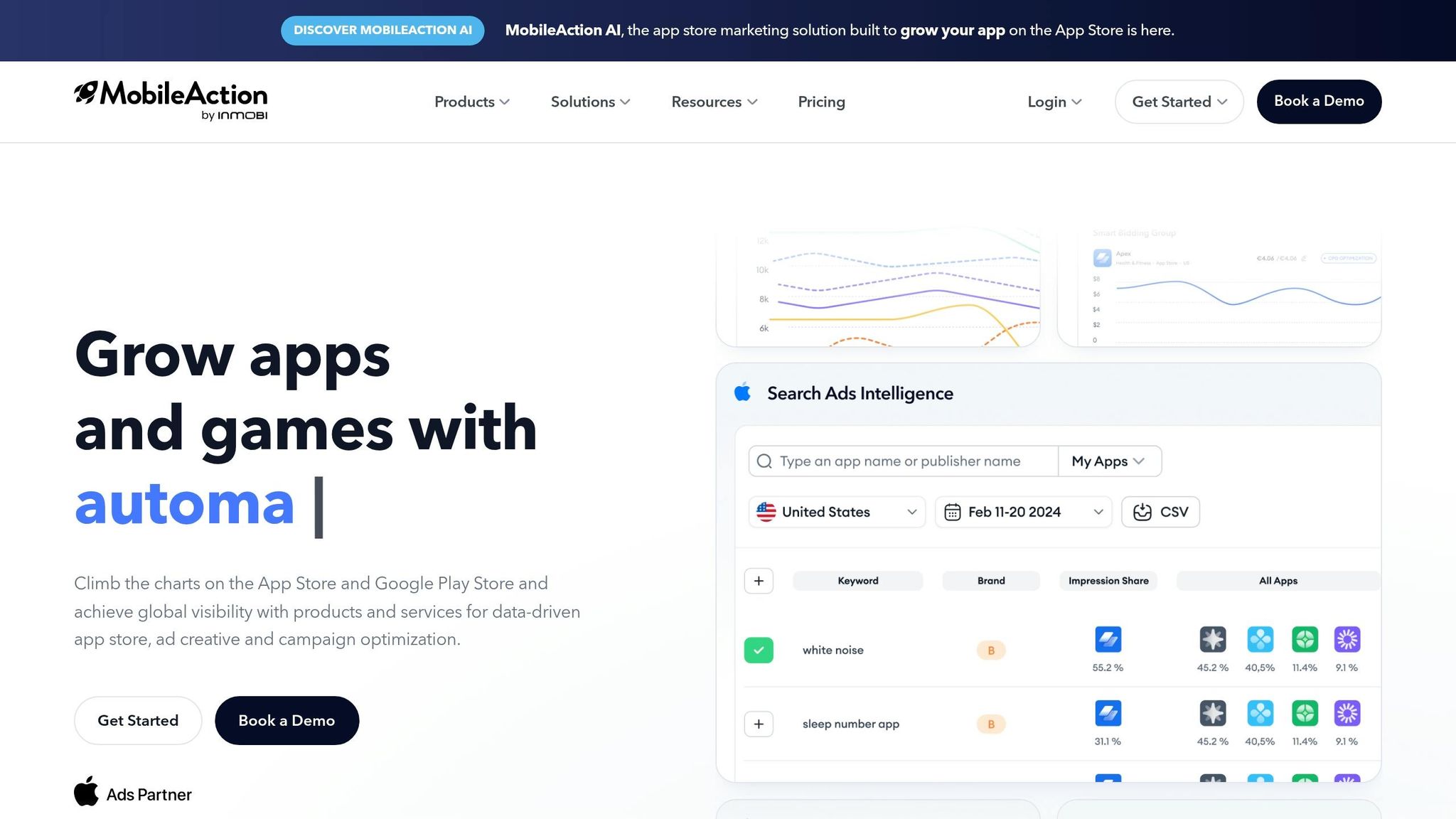
Mobile Action is a cross-store ASO platform that Shopify app teams can use for keyword research, competitor tracking, and ad visibility checks. It works well when you want a broader view of the market before changing your Shopify listing. The platform is built mainly for the Apple App Store and Google Play, but its keyword and competitor tools still work well as a check before you update a Shopify app listing.
The standout feature here is Keyword Spy. It shows which keywords drive competitor installs, which gives you a starting point based on terms already working in your category.
If you also test keywords through paid search, Mobile Action keeps that work in the same place through its Apple Search Ads integration. For teams that compare paid and organic terms side by side, Keyword Inspector breaks out impression share for each one, so you can see how those signals stack up.
Pricing starts with the Startup (Lite) plan. There are higher-priced tiers for growing teams, plus custom enterprise pricing based on module access and data scope. There’s also a 7-day free trial with no credit card required.
| Plan | Estimated Cost |
|---|---|
| Startup (Lite) | ~$69/month |
| Growth / Mid-Tier | ~$159–$599/month |
| Enterprise | Custom pricing |
Pros, Cons, and Best-Fit Use Cases
After the tool-by-tool review, the main question is simple: which workflow do you care about most?
AppJubilee is the only platform in this list built ONLY for the Shopify App Store. Its four core jobs - keyword rankings, listing optimization, review impact on rank, and competitor monitoring - line up directly with the four ASO areas that shape discoverability and installs. The tradeoff is pretty clear: AppJubilee does not cover the Apple App Store or Google Play, so teams publishing across more than one storefront will need another tool for those channels.
The best-fit users split out by workflow:
- Solo Shopify founders get daily keyword tracking, Keyword Universe, and review impact analysis on the Starter plan at $49/month. That's enough to see why rankings move without paying for features they won't use.
- Growth teams can move up to the Growth plan for Ads Intelligence and GA4 sync. That helps tie paid visibility and ranking changes back to install and subscriber trends.
- Agencies managing multiple Shopify apps will get the most from the Agency plan: up to 30 apps tracked, unlimited competitor watches, and API access for custom reporting workflows.
For Shopify-first teams, the best pick is the one that ties most closely to rankings, reviews, and competitor movement.
Conclusion
After comparing the tools, the main question is simple: how closely do they connect to what drives Shopify App Store visibility?
Shopify App Store rankings are shaped by installs, reviews, badge eligibility, and merchant search intent. For example, tracking high-volume terms like sales channel can reveal how competitive specific categories are. So if you're trying to move up in Shopify search, generic app store tools can only take you so far. Shopify-native tools show the signals that matter inside the Shopify App Store itself.
If your app lives in the Shopify App Store, use Shopify-native ASO tools to track rankings, reviews, listing changes, and competitor moves. Keep your stack lean, and tie it to revenue.
FAQs
How often should I check Shopify app rankings?
Check your Shopify app rankings and performance metrics weekly.
Sure, tracking tools can log data every day. But a weekly review gives you a better working rhythm. It helps you spot ranking drops early, see whether recent updates made a difference, and react before a competitor gains too much ground.
It also gives you a clear view of the signals that shape your app’s visibility in the Shopify App Store, including keyword performance, listing quality, and review velocity. That way, you can make smarter calls instead of guessing.
Which ASO metrics matter most for Shopify apps?
Focus on five core metrics: review velocity, listing freshness, keyword relevance, install velocity, and retention.
Review velocity matters more than your all-time review count. In plain English, new reviews within a 30-day window carry more weight than old reviews sitting on the listing.
Listing freshness also plays a big role. Updating your title, description, and screenshots every 30 to 60 days shows that the app is active and still being worked on. That kind of steady upkeep sends a good signal.
Keyword relevance needs to line up with merchant search intent. If merchants search one way and your listing uses different terms, you create friction. The goal is a close match between what people type and what your app page says.
Installs matter too, but they don't stand alone. Strong install velocity paired with solid retention helps protect rankings. If lots of users uninstall soon after installing, that can lead to ranking drops.
Built for Shopify certification is also a baseline for high-visibility placement.
When should I use a Shopify-native ASO tool?
Use a Shopify-native ASO tool when you need to improve your app’s discoverability and conversion rates with data-backed decisions, especially once manual listing management stops getting the job done.
It helps most when you need to:
- track keyword rankings automatically
- monitor competitor listing changes
- connect listing updates to ranking shifts
- analyze review sentiment and spot roadmap opportunities